
Edit your 3DXChat world.
Open your own .world in 3D: exact numbers, real snapping, align and array, signs, pictures and models made right where they go. Then load it back in the game.
Start an empty worldEditing needs a PC, 1024 px or wider.
What the editor does
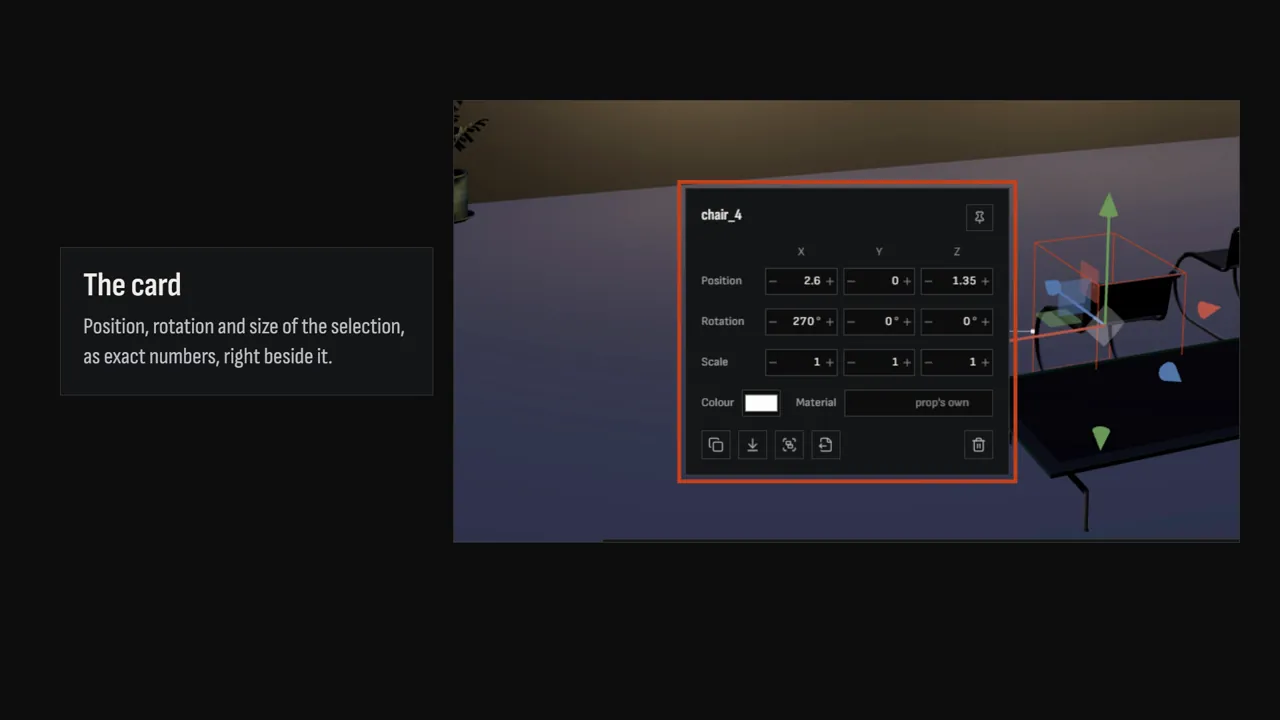
Exact numbers, on the object
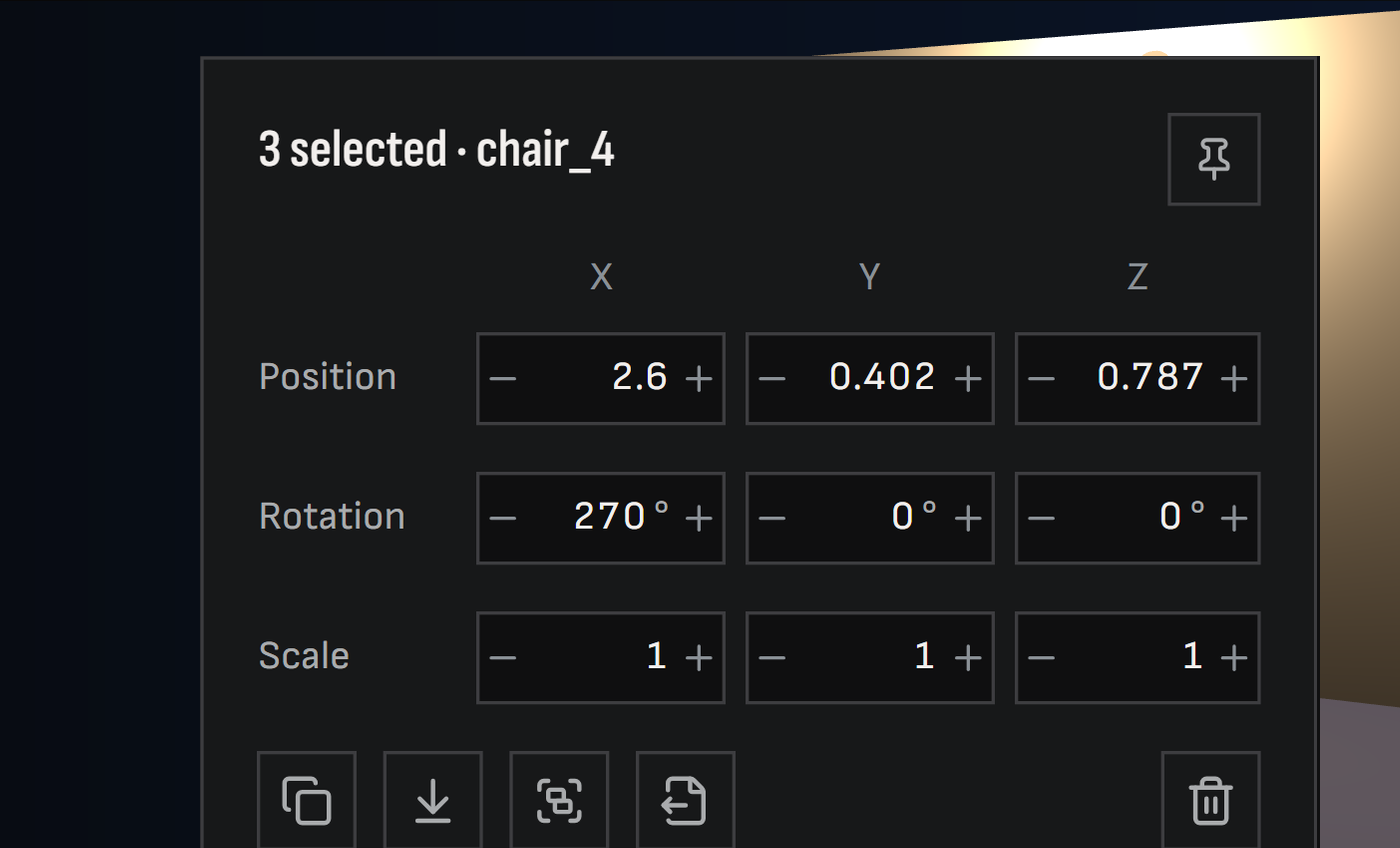
Select anything and type its position, rotation and size on the card beside it.
Snaps that line things up
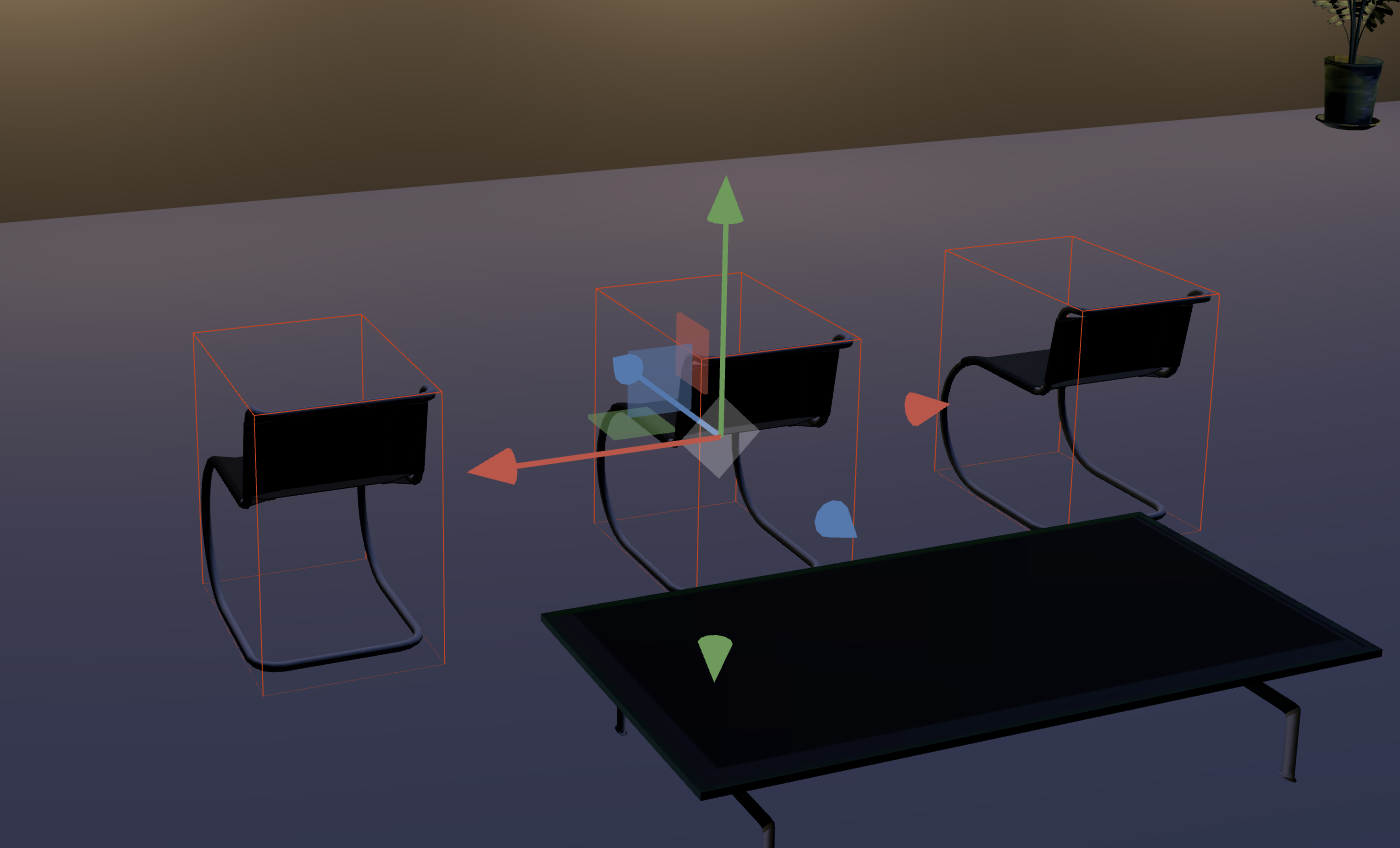
Grid and ground snap, and smart snap that sets faces flush and squares walls up.
Align, distribute, mirror, array
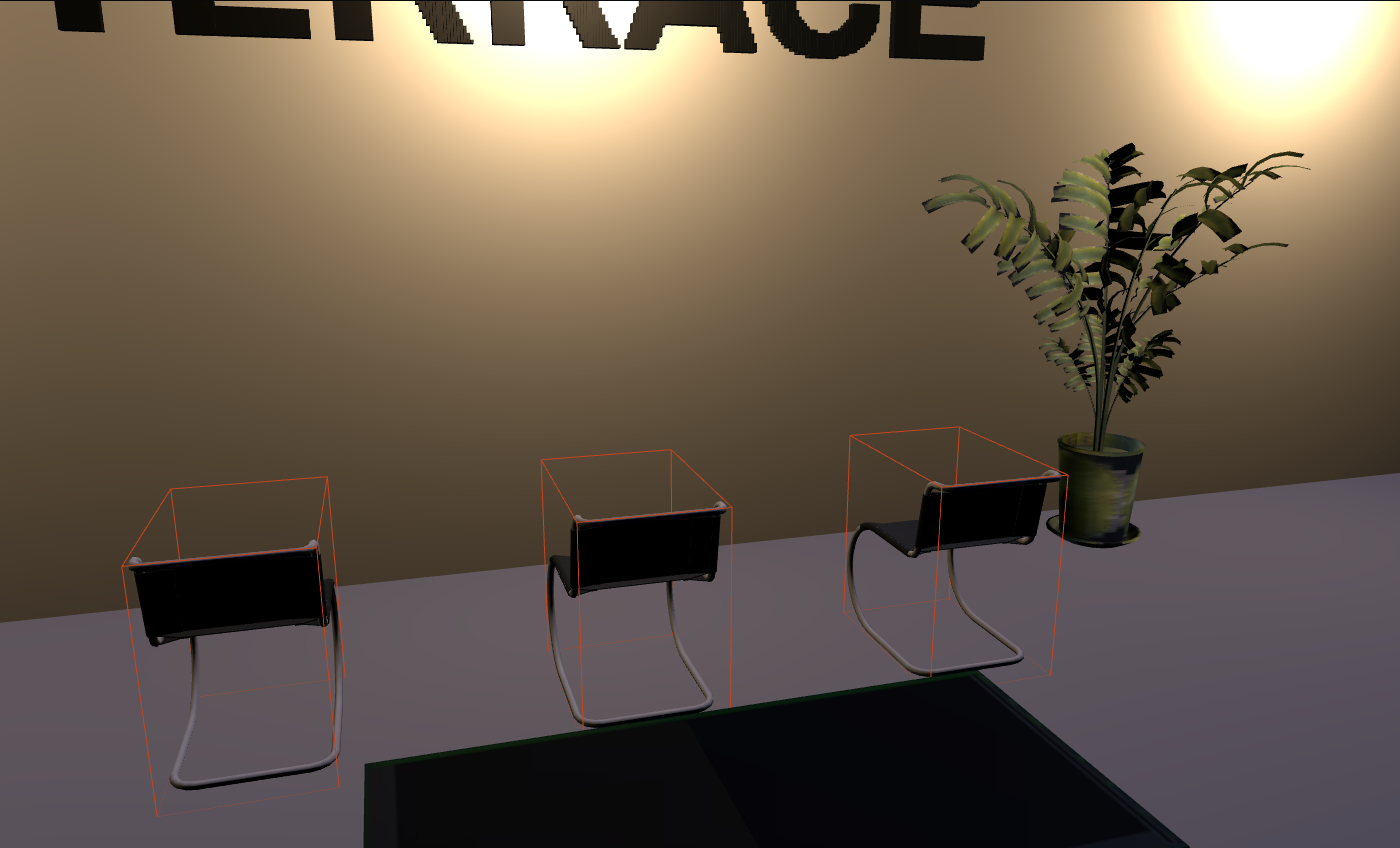
Line up chairs, space a row of lamps, mirror a wing or repeat a column in one move.
Signs, pictures and models, made in place
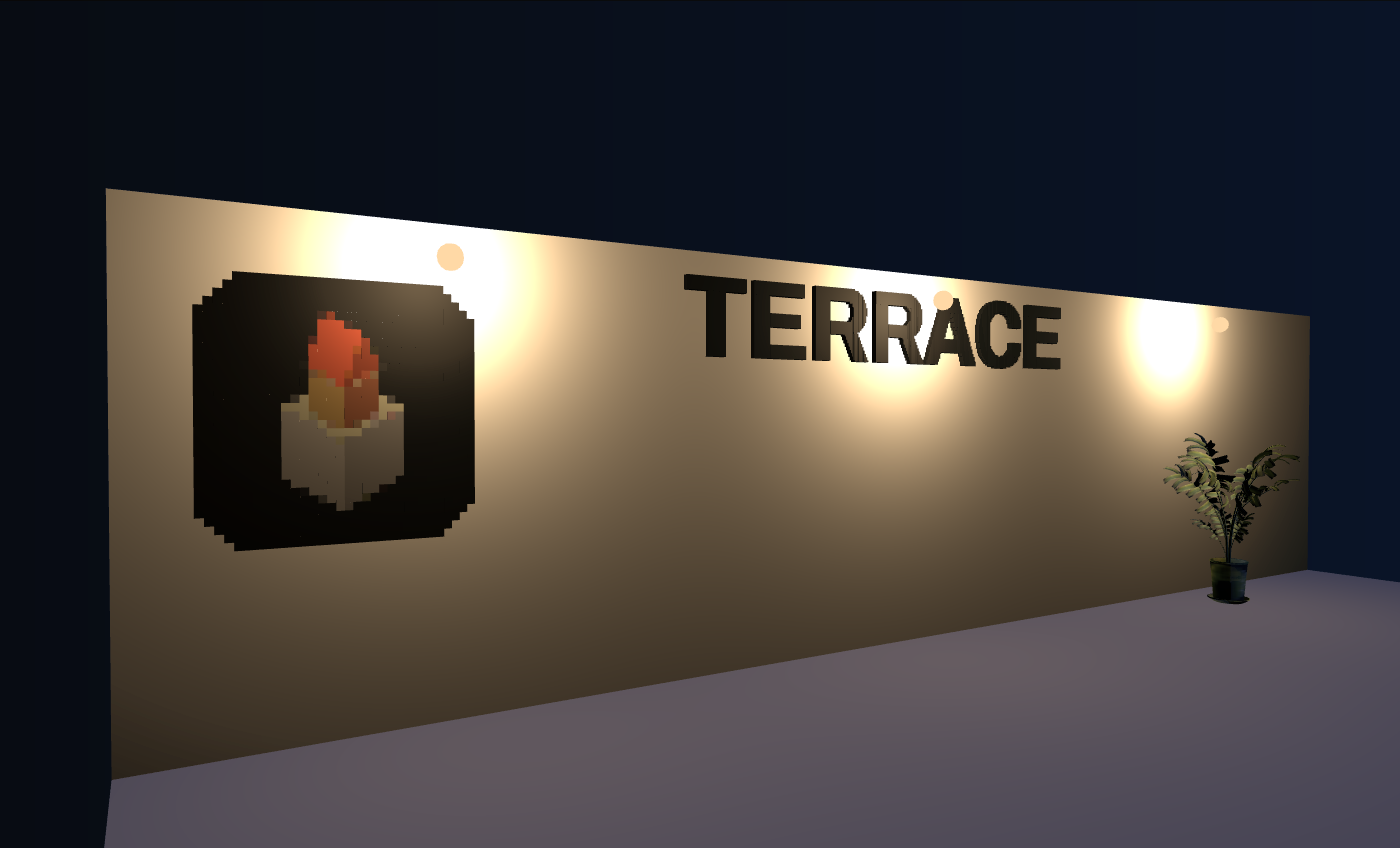
Set them up in the workshop, click a wall or a floor to place them, and edit them later with the same settings.


Or make a single part
The editor makes these right in your world. On their own pages they make a .world to merge.
Get it into 3DXChat
Your whole world
- Open your .world here
- Edit it and press Save .world
- In the 3DXChat editor, press Load
A single part
- Make it on a tool page, or export a selection
- Save the .world
- In the 3DXChat editor, press Merge
Merge adds the file's objects to your world; Load replaces your world with what the file holds.
What the tools do
World Editor Opens your own .world in 3D and edits it: exact numbers, real snapping, align, distribute, mirror and array, groups, copy and paste between worlds, undo. It makes signs, pictures and models right in the world and saves the whole world back, for Load in the 3DXChat editor.
Model Converter Shrinks Blender .obj exports without losing anything: the smaller file is read back and checked against the original before you can save it. It also turns .obj, .glb, .gltf and .stl models into a 3DXChat .world made of boxes, prisms and cylinders, with size, rotation and placement set before you export.
Image to World Builds a picture out of as few same-colour boxes as possible, for pixel art, logos and floor mosaics. Fewer colours and a lower resolution mean far fewer objects.
Text to World Builds lettering and signs out of boxes, in Orbitron, Archivo or Martian Mono. Every letter becomes its own group, so you can select, move and recolour each one in the editor.
Everything runs in your browser: your files are processed on your own machine and never uploaded. Step by step: the guide.